
Download Vita Mahjong
Vita Mahjong is free on the App Store and on Google Play, published by Vita Studio. Both official listings are linked below, with the real store screenshots, the download size and the ratings each version actually has.
Store details checked on .
Download Vita Mahjong for iPhone and iPad
On iPhone and iPad the download comes from the App Store, where Vita Studio publishes the app under the name Vita Mahjong. The listing is free, carries in-app purchases, and needs iOS 15 or later.
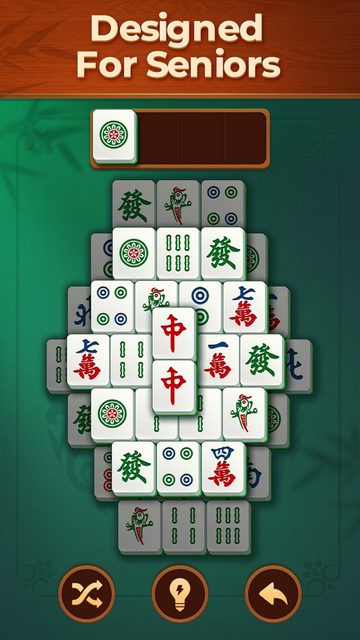
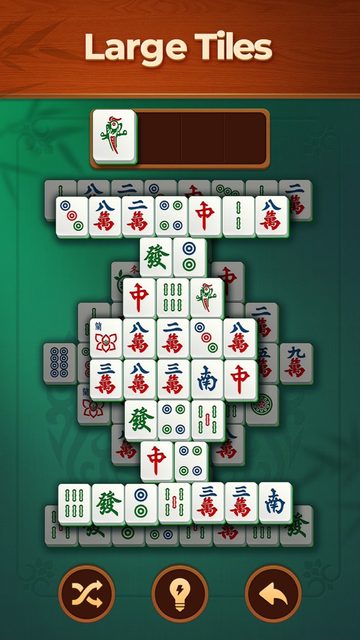
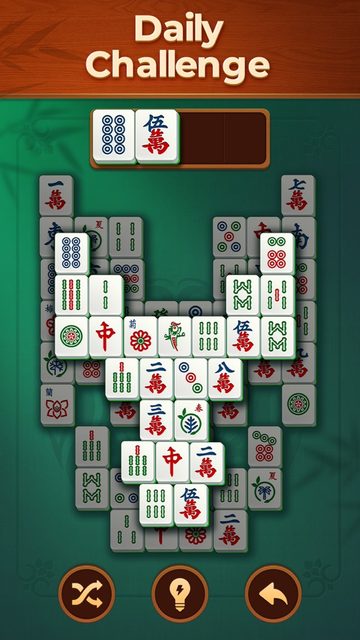
Screenshots from the App Store listing.
- Price
- Free
- In-app purchases
- Yes
- App Store rating
- 4.9 from 1,634,817
- Download size
- 377.5 MB
- Version
- 3.32.0
- Updated
- 3 August 2026
- Requires
- iOS 15.0 or later
- Age rating
- 12+
- Developer
- Vita Studio
Download Vita Mahjong for Android
On Android phones and tablets the download comes from Google Play, where the app ID is com.vitastudio.mahjong. Google Play reports more than 100 million installs, which makes this the larger of the two versions by a wide margin.
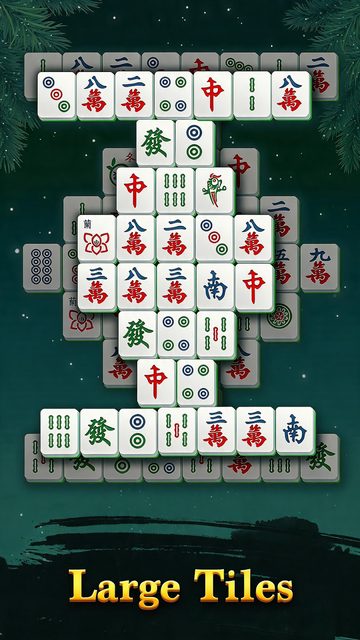
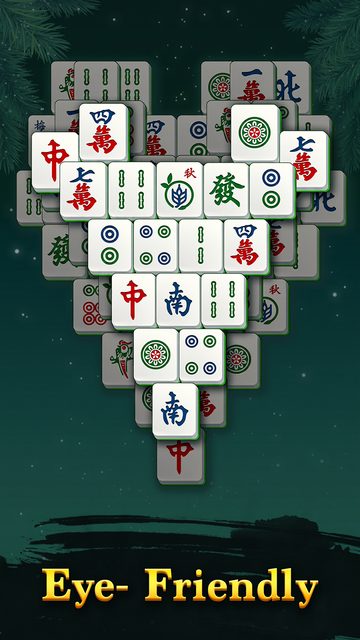
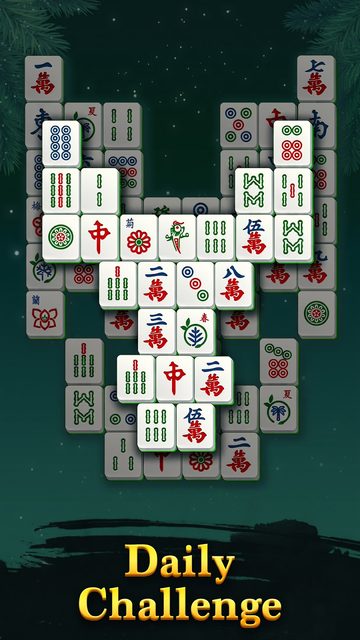
Screenshots from the Google Play listing.
- Price
- Free
- In-app purchases
- Yes
- Google Play rating
- 4.8 from 5,952,133
- Installs
- 100,000,000+
- Updated
- 7 August 2026
- Content rating
- Everyone
- Contains ads
- Yes
- App ID
- com.vitastudio.mahjong
- Developer
- Vita Studio
What the Vita Mahjong app costs
The download is free on both stores and nothing has to be bought to start playing. What the word free leaves out is how the game pays for itself, and both listings say so plainly if you read the labels.
Google Play tags the listing Contains ads. The App Store publishes the in-app purchase list, and the single most expensive item on it is Mahjong Ads Remove at $5.99. A game charging six dollars to turn its advertising off is telling you how much advertising there is.
The rest of the list is the usual mix: coin and booster items between $0.99 and $14.99, plus subscriptions billed weekly, monthly or yearly. None of it is required to finish a board. Prices are the ones the US App Store shows and vary by country.
- Download
- Free
- Remove ads
- $5.99 one-off
- Weekly subscription
- $2.99
- Monthly subscription
- $5.99
- Yearly subscription
- $19.99
- Other in-app items
- $0.99 – $14.99
Play Vita Mahjong without downloading
Nothing has to be installed to try it. The board below is the game itself, opened right in this page. There is no installer, no account and no storage taken up on the device.
App or browser
The two versions play the same game. They differ in what surrounds it.
- Offline play
- App only
- Saved progress
- App only
- Daily challenge
- App only
- Shows ads
- App only
- Needs 377.5 MB
- App only
- Starts in seconds
- Browser
A reasonable order is to clear a board here first, then download the app if the game holds your attention.
How to install Vita Mahjong
Installing on iPhone and iPad
- Open the Vita Mahjong App Store listing, or search the App Store for Vita Mahjong.
- Check that the developer line reads Vita Studio before you tap Get.
- Tap Get and confirm with Face ID, Touch ID or your Apple Account password.
- The download is 377.5 MB, so start it on Wi-Fi if your data plan is small.
Installing on Android
- Open the Vita Mahjong Google Play listing, or search Google Play for Vita Mahjong.
- Check that the listing shows the app ID com.vitastudio.mahjong.
- Tap Install and wait for the download to finish.
- The game then appears in your app drawer under the name Vita Mahjong.
Which devices Vita Mahjong runs on
The App Store build covers more than phones. A Mac with an Apple M1 chip or later runs the same package directly, so Mac owners do not need a separate download and Intel Mac owners cannot install it at all. Windows is the one platform without a native build.
- iPhone
- iOS 15.0 or later
- iPad
- iPadOS 15.0 or later
- iPod touch
- iOS 15.0 or later
- Mac
- Apple M1 chip, macOS 12.0
- Apple Vision
- visionOS 1.0 or later
- Android
- Google Play
- Windows
- Google Play Games on PC
- Languages
- English and 61 more
Where to download Vita Mahjong safely
Vita Mahjong has exactly two official download sources: the App Store and Google Play. Every other site offering the game is redistributing a copy it did not build, and a re-uploaded Android package is the usual way a phone picks up adware.
Vita Studio publishes more than one mahjong title, and the store search results sit next to each other. Vita Mahjong Wood is a different game with a different app ID, so the identifier is worth a glance: com.vitastudio.mahjong on Google Play, and id6468921495 in the App Store address.
Windows is the only platform that needs a third route. Google Play Games on PC lists Vita Mahjong and installs the same Android build on a desktop. There is no standalone .exe for Windows, so any site offering one is not distributing the real game.
If the Vita Mahjong download will not finish
A stalled install is nearly always the device rather than the listing. Free space is the first thing to check, because an install needs room beyond the 377.5 MB the store quotes while it unpacks the download.
On iPhone the second thing to check is the system version. Anything below iOS 15 will either be offered an older build of the app or nothing at all, and the App Store does not always explain which of the two has happened.
On Android a download that sits at Pending usually means Google Play is working through a queue or updating itself. Letting the other downloads finish, or switching the connection off and on, clears it more reliably than tapping Install again.
If none of that helps, nothing here depends on the install: the browser version of Vita Mahjong runs on the same phone without one, and the guide to Vita Mahjong not loading covers the browser side.
Common questions about downloading Vita Mahjong
- Is Vita Mahjong free to download?
- Yes. Vita Mahjong costs nothing to download on either store, and no purchase is needed to start playing. The game earns its money from advertising and from optional in-app purchases once you are inside it.
- Does Vita Mahjong have ads?
- Yes. The Google Play listing carries the Contains ads label, and the App Store sells a one-off Mahjong Ads Remove purchase for $5.99. That purchase price is the clearest evidence of how much advertising the free app shows.
- How big is the Vita Mahjong download?
- The App Store lists the app at 377.5 MB. Google Play does not publish a single figure for this listing, because an Android install is assembled per device and the size varies with the phone.
- Can I play Vita Mahjong offline after downloading it?
- Yes. Both store listings advertise offline play, so the installed app keeps working on a plane or anywhere without Wi-Fi. The browser version on this site needs a connection.
- Can I download Vita Mahjong on a Mac?
- Yes, on a Mac with an Apple M1 chip or later running macOS 12 or newer. Those Macs install the same iPhone and iPad build straight from the App Store, so there is no separate Mac download. Intel Macs cannot run it.
- Is there a Vita Mahjong download for Windows?
- Not as a standalone .exe. Windows players install the Android build through Google Play Games on PC, which is the only route Vita Studio supports on Windows. Any site offering a Windows installer is not distributing the real game.
- Where can I download the Vita Mahjong APK?
- Use Google Play. APK sites host re-uploads that nobody has signed or checked, and an old or modified copy of a game is the most common way an Android phone picks up adware.
- Is Vita Mahjong Wood the same game?
- No. Vita Mahjong Wood is a separate title from the same developer, with its own store listing and its own app ID. Check for com.vitastudio.mahjong on Google Play, or id6468921495 in the App Store address, if you want this one.